Notenik v18.7.0 introduces Presentation Mode.
@hbowie’s goals are that Notenik can be used to craft and deliver a slide show to be presented to a group. This would be as an alternative to something like PowerPoint or Google Slides.
The presentation pack embedded in 18.7 comes with a strong caveat.
Notenik is best used for simple, straightforward presentations that are primarily text-based.
Fave text based tool does presentations but does not do images 
Tell work group that next presentation will be text only 
Fortunately, one of Notenik’s overarching goals is to play nicely with other tools. That is how we end up Notenik presenting a Preview slide deck.
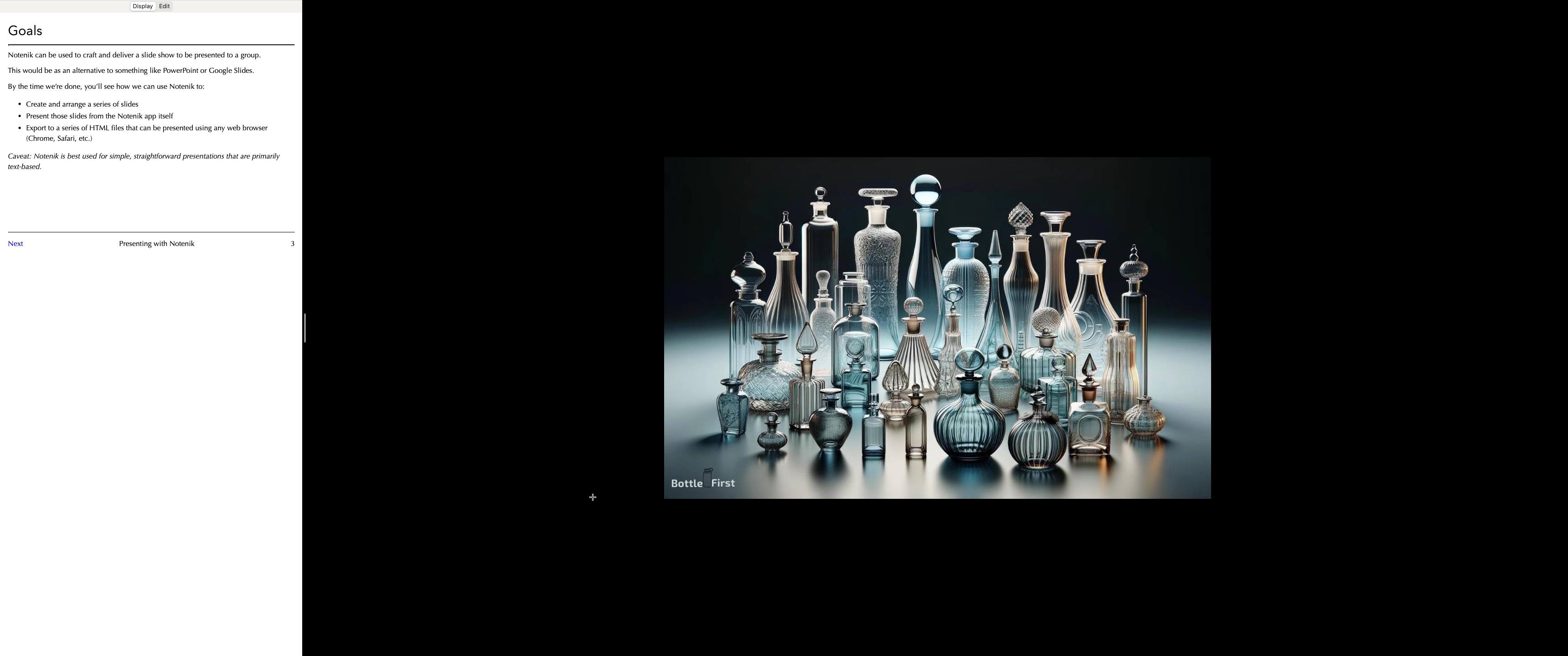
Requirements
- Notenik collection displayed in Presentation mode
- Folder of images, PDFs, and any other document able to be opened by Preview.
- The images and the notes in your Notenik collection must be synchronised. *
Setup
- Open your collection
- Using Finder, locate and select the images you want to display.
- Right click to open the submenu. Open with Preview.
- * Synchronise the order of your images using Preview’s sidebar to drag the images into the sequence that you want them.
- Right click the green traffic light button in window title. Move your mouse down to “Full Screen.” Hover there until the submenu is displayed. Choose the left/right position you want for your images.
- The other side of the screen will display all the app windows you have open. Choose your Notenik collection.
- Presto!
Options
- Use the vertical window bar to apportion the amount of screen each app gets
- Use Notenik’s view settings and display options to hide unwanted features.
- This can be used for any application. You could be presenting charts in a spreadsheet, or your work in progress in any other app.
- It doesn’t matter which app you start with. The screen options are built in to MacOS.
Cons
- You can’t switch apps inside the full screen view ( am I wrong? Let me know ). It would be nice to have a keyboard command to switch from Preview to another app, and back.